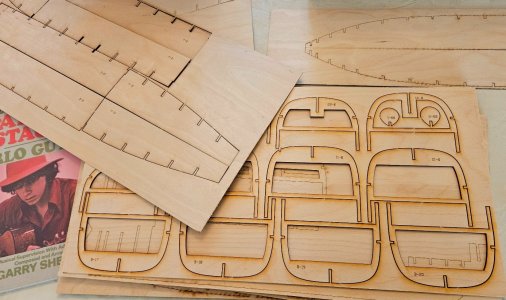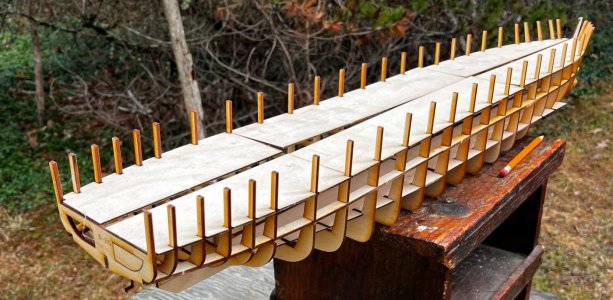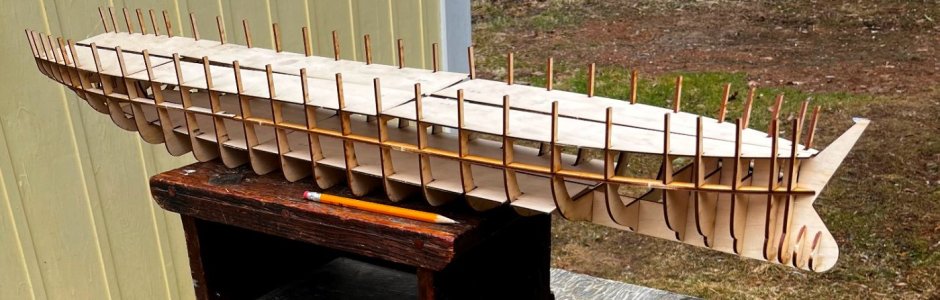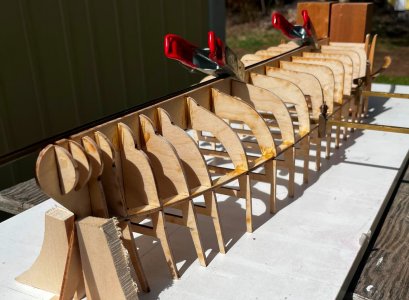



I generally don't work in small scales, but I had an interesting request from a professional builder. He wanted a 1/64 scale model of a contemporary cargo ship, the Bjugnholm, a Norwegian general cargo ship. We did not have a GA drawing from the company and the scale was driven by the simple fact that the backhoe that is seen on the deck is available as a die-cast model in that scale! It's amazing what drives design sometimes.
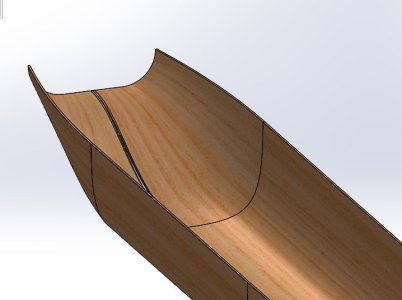
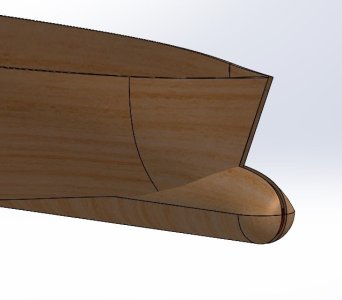
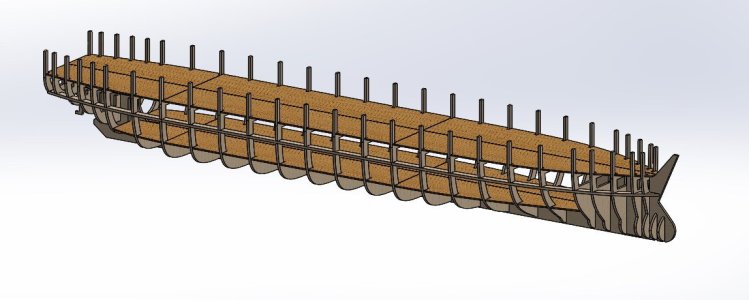
I use SolidWorks and Rhino to design my kits. In general, I use Rhino first, as it is a good solution to draw organic shapes, and then I insert that shape into SolidWorks to draw up the parts that will be laser-cut. In this case, since the shape is not complex (like a sailing ship with a keel, for example), I decided to simply create the surfaces in SolidWorks directly and then draw up my frames from those.
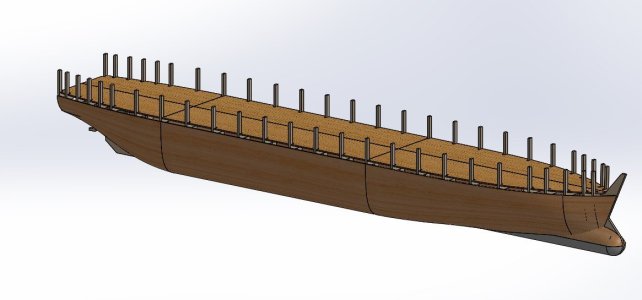
Well, I'm glad I did that because once I was about 90% of the way through the design, I realized I was unhappy with the stern area or the sheer at the stern and so it was easy enough to tweak the shape. Since SolidWorks is parametric, some of the parts of the seven or eight frames near the stern followed along with my tweaks. I think if I had use Rhino for the original shape, it would have been much more difficult to make the changes. Well, hmm, actually, if I had used Rhino to start, I wouldn't have had the weird problem in the stern in the first place!

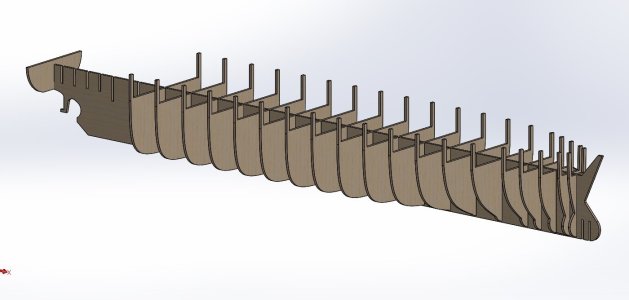
I use SolidWorks and Rhino to design my kits. In general, I use Rhino first, as it is a good solution to draw organic shapes, and then I insert that shape into SolidWorks to draw up the parts that will be laser-cut. In this case, since the shape is not complex (like a sailing ship with a keel, for example), I decided to simply create the surfaces in SolidWorks directly and then draw up my frames from those.
Well, I'm glad I did that because once I was about 90% of the way through the design, I realized I was unhappy with the stern area or the sheer at the stern and so it was easy enough to tweak the shape. Since SolidWorks is parametric, some of the parts of the seven or eight frames near the stern followed along with my tweaks. I think if I had use Rhino for the original shape, it would have been much more difficult to make the changes. Well, hmm, actually, if I had used Rhino to start, I wouldn't have had the weird problem in the stern in the first place!
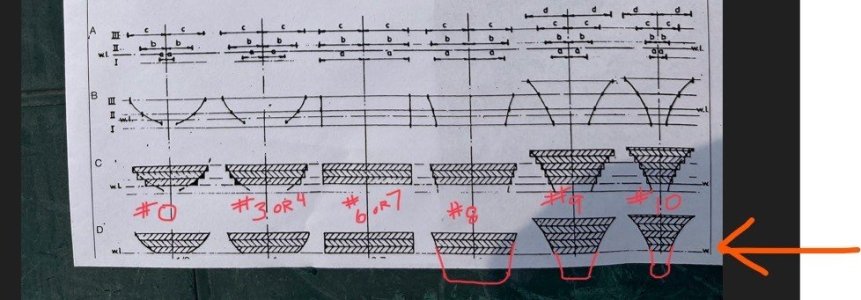
- The first picture shows the simple, "bread-and-butter" drawing we had to work with. I think that's about the weakest information I've had to start a project. Onwards!
- The second picture shows the backhoe that drove the decision to go with 1/64 scale
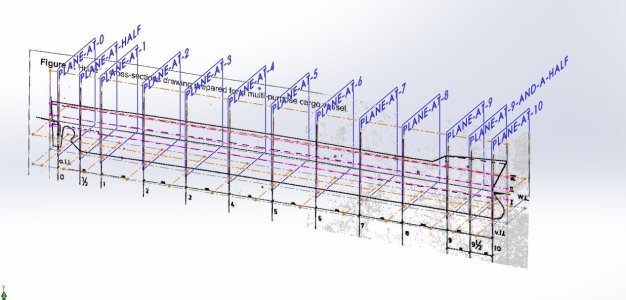
- The third picture shows the sort-of/kind-of positioning of the those so-called shapes from that little bread-and-butter drawing. I used those approximate shapes to create some guide curves for the hull shapes
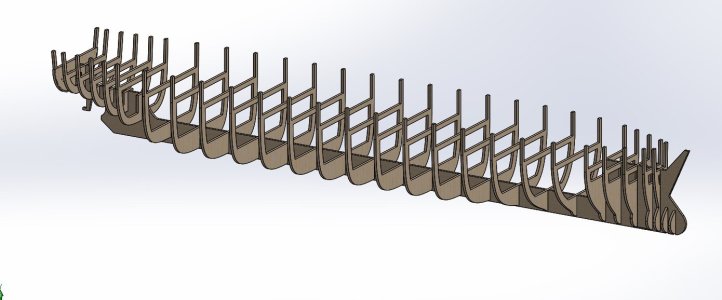
- The fourth picture shows the frames opened. It was at this point that I said to myself, "hmmm, that doesn't look right"
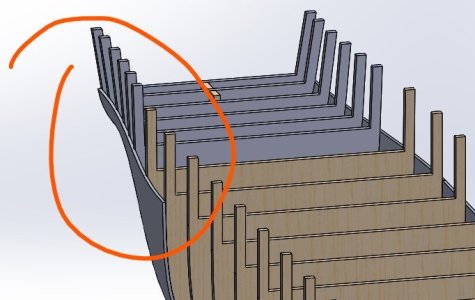
- The fifth picture shows the weird sheer that didn't make sense to me.
- Back to the drawing board with the stern