
![]() |
As a way to introduce our brass coins to the community, we will raffle off a free coin during the month of August. Follow link ABOVE for instructions for entering. |
![]() |
![]() |
The beloved Ships in Scale Magazine is back and charting a new course for 2026! Discover new skills, new techniques, and new inspirations in every issue. NOTE THAT OUR NEXT ISSUE WILL BE MARCH/APRIL 2026 |
![]() |
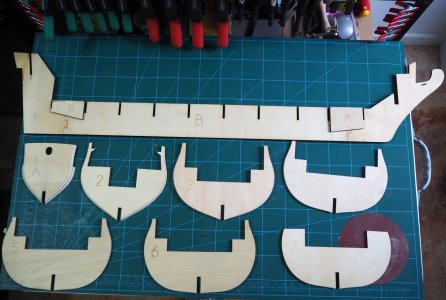
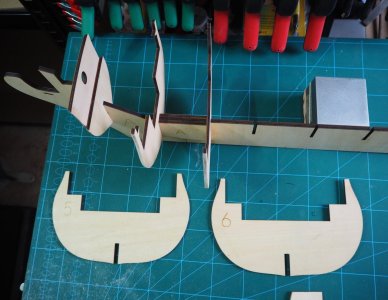
Click to the right of the photo and you should see your cursor (it will be as tall as the photo), flashing next to it. Then just hit enter to start a new line.How do you add text between photos ?
Can’t work that out yet.
THANK YOUIf there is a difference in size they are both coming over the same size on my iPad
Thank you for this I will give it a tryI typically write my text offline and insert it before adding pictures. I add some spaces where I want pictures and position my cursor at the beginning of a space and add one photo at a time moving to the spaces where I want to add picture before inserting. Before inserting pictures it would look something like this.
A picture would be added into the space above.