■How to use Google Gemini to composite a sailboat model against a backdrop of ocean, sky, and white-capped wake.■
-------------------------------------------------------------------------------------------------------------------------------------
There are various ways to synthesize it, but I'll explain my method.
First, prepare the images to be composited.
The example used is the Vasa from Artesia.
(I borrowed the image from the catalog without permission. My apologies.)
The image data is in JPG format.
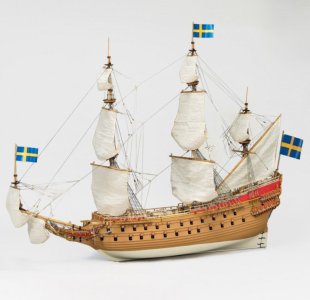
I will use this image.
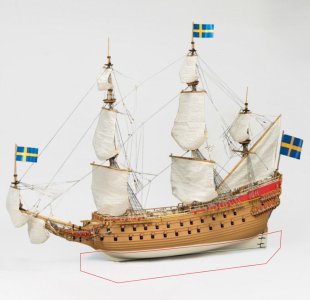
Processing is required.
Erase the red-lined area using drawing software.
If anything remains below the waterline, the composite will look strange.
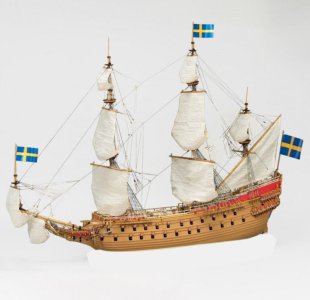
This is what it looks like when you remove everything below the waterline.
Please save this image and keep it ready.
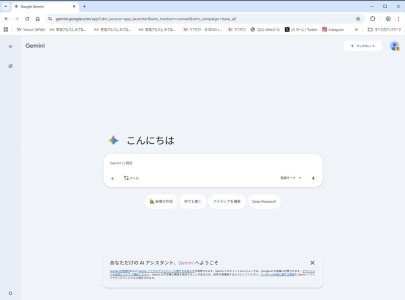
When you call up Google Gemini, this screen appears.
(This is the Japanese version.)
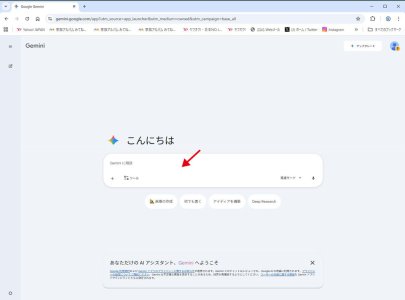
Drag the image from earlier into the red arrow area.

Inserting the image from earlier will result in this.
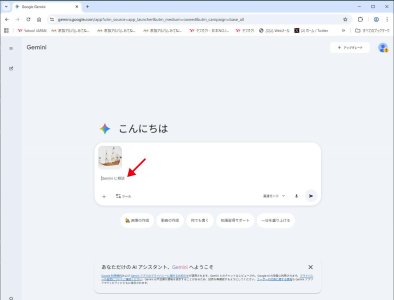
Enter how to process the image at the red arrow location.
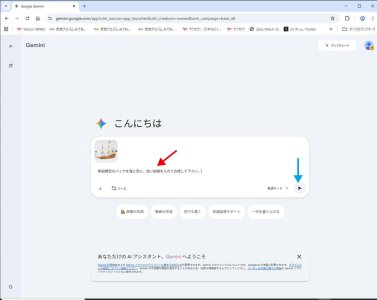
Enter the following words in the red arrow section:
“Please composite the sailboat model with a sky and sea background and add a white wake.”
After entering the text, tap the blue arrow section.
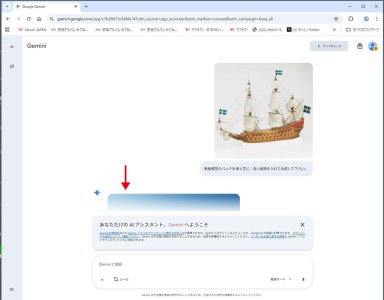
The screen will appear like this, and after processing for a moment, the composite image will be displayed.
Scrolling the screen will...
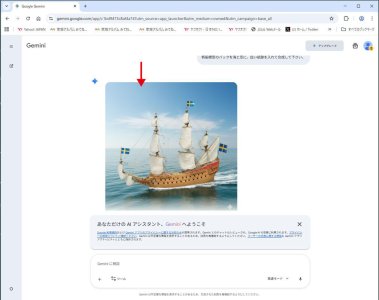
The image will be displayed as shown here.
Tap the image with the red arrow...
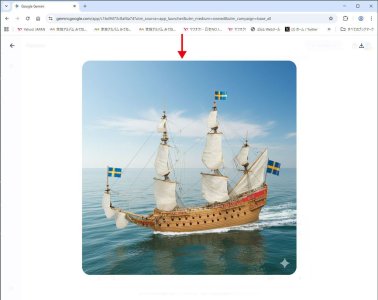
The composite image will be displayed large.
Please copy this.

The sailboat model is neatly cut out and composited with the sky, sea, and white wake.
A star mark indicating the image has been composited will appear in the lower right corner.
This mark can be removed using drawing software or similar tools.
----------------------------------------------------------------------------------------------------
Sorry for the clumsy explanation.
Does this make sense now??

In my case, I do everything on my computer.
I don't use tablets or smartphones.
You can find various guides on how to use Google Gemini online.
Those might be easier to understand.

Sorry if the explanation sounds weird.





By the way, my Athena will also be a cinematic ship. I hope that when I have built her, she will be at least half as beautiful as your Silent Mary...