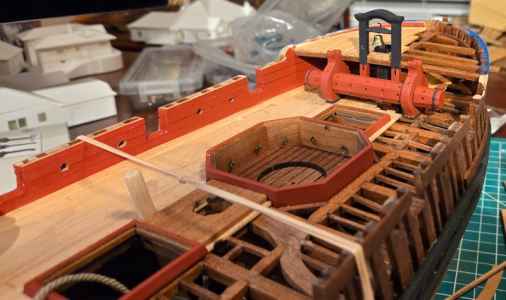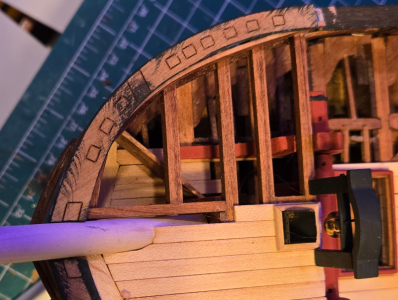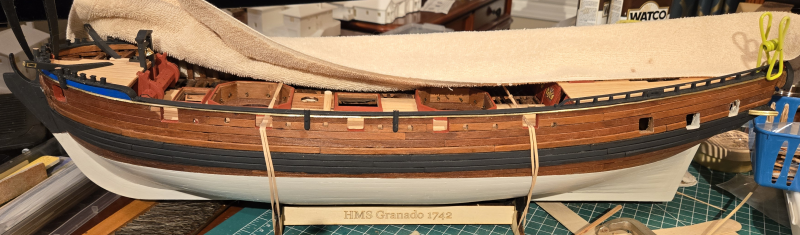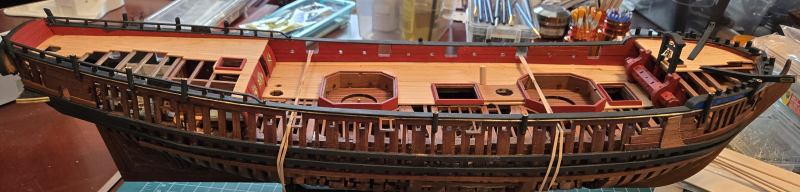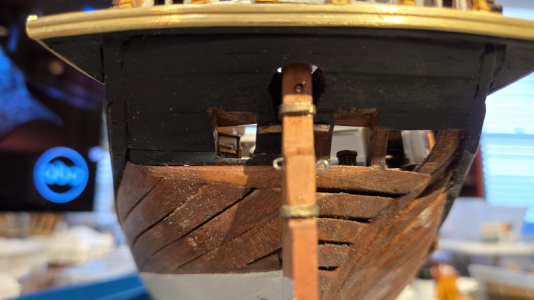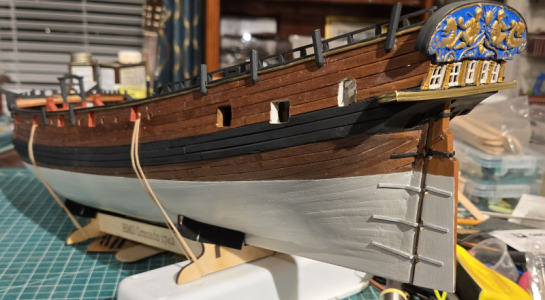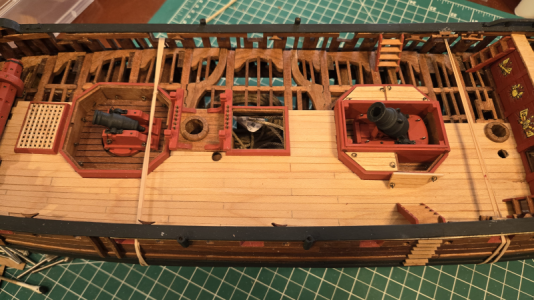


I build the quarterdeck bulkhead as shown in the plans, but use thinner and smaller material for the vertical pieces. The decals went on fine, but are quite glossy. A few coats of Vallejo Mecha Matt Varnish dulled them down quite a bit. The outlines are still visible in this photo, but not so much in real life:
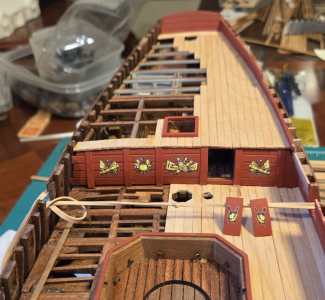
Even though I used Micro-Sol, I couldn't get the decals to meld into the planking. The half-doors to the cabin accommodation will be added on later and left open (but not hinged).
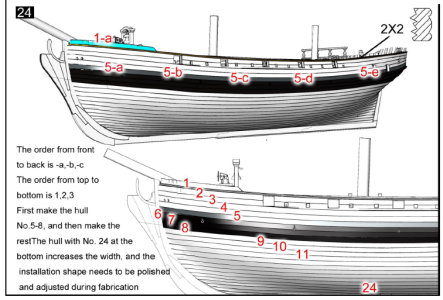
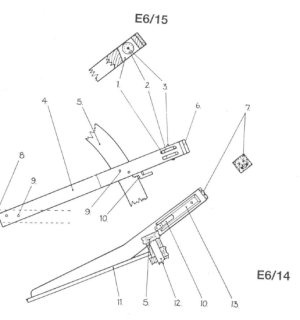
I've done the stern decoration at the wales line differently than the instructions show. The instructions show:
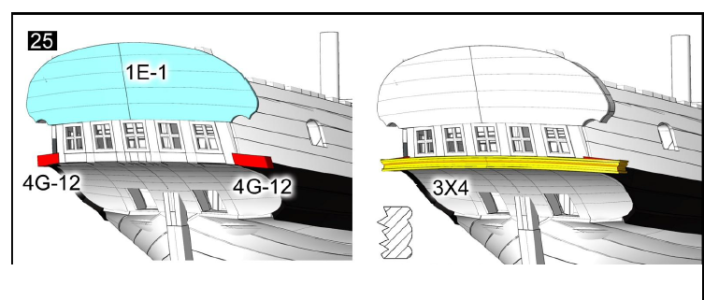
My problems were 1) I have been unable to produce the complex sections using the razor scrapers supplied, and 2) I felt unable to bend the 3x4 strip in 2 dimensions and glue it in place.
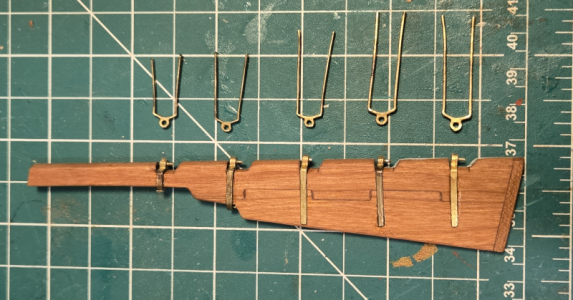
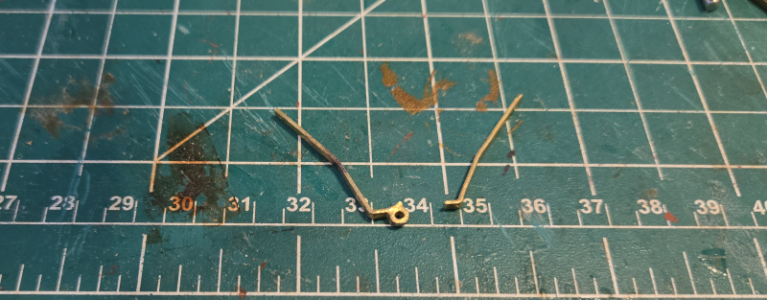
I bought some 1mm x 2mm double half round brass strip that I will use for the fancy section. I then cut a 2x5mm strip to use to replace the 3x4, and tapered it all sides to fit better. The little almost-triangular platforms that go on either side would be glued to this strip to assist in locating, gluing and securing the assembly.
Since the brass strip would be added later, the triangles needed to be larger. Here one's glued to the modified 2x5 strip:
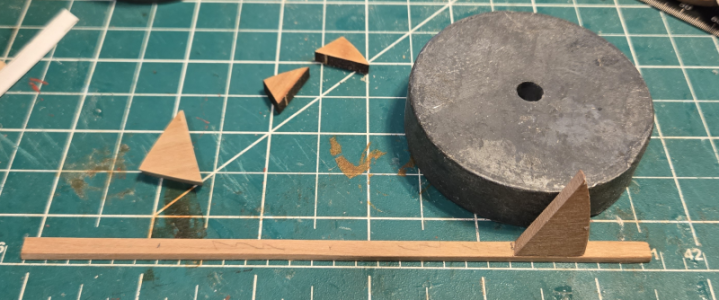
I ended up remaking these triangles to be smaller later, but the procedure is the same.
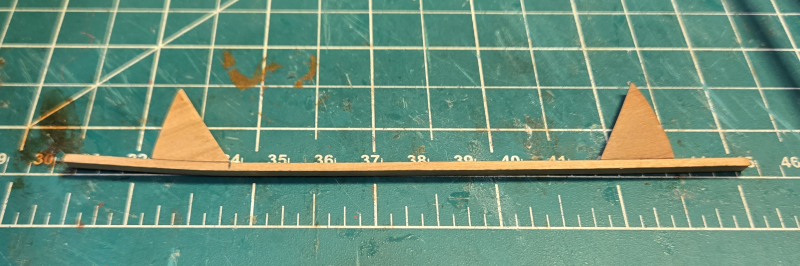
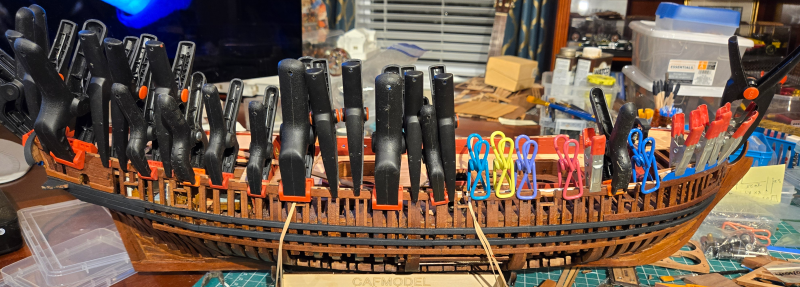
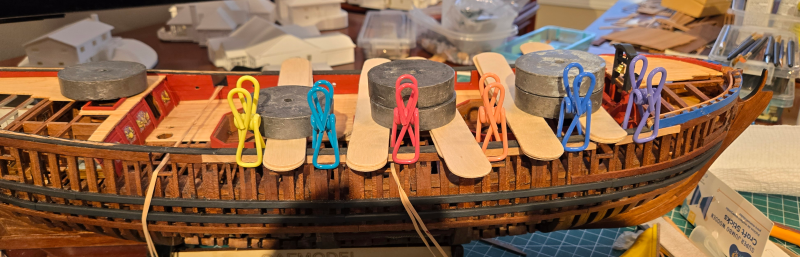
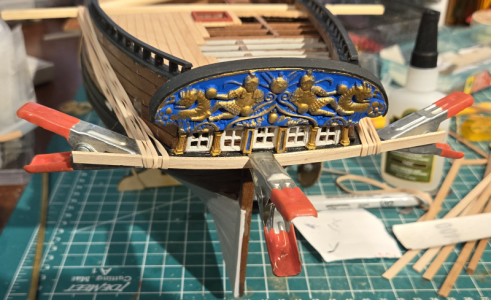
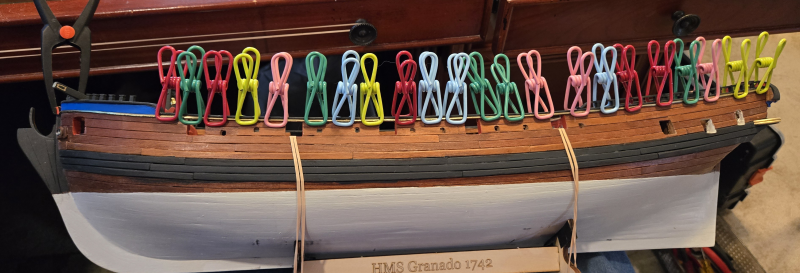
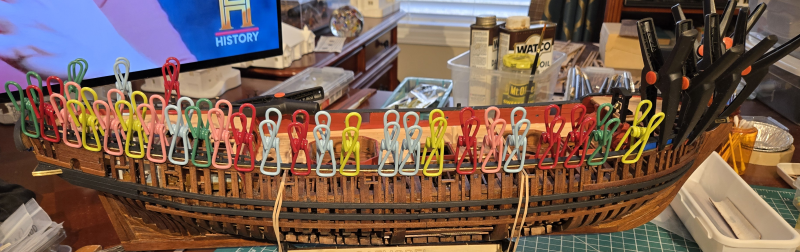
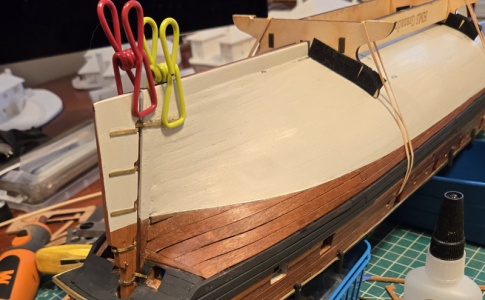
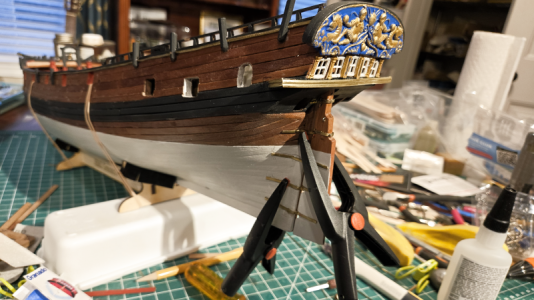
With a triangle at each end, rubber bands can pull the strip and triangles into place for gluing.
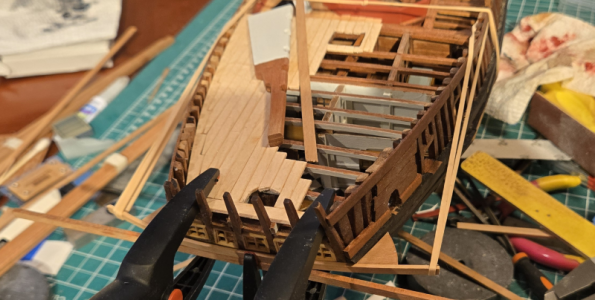
The other clamps are to hold everything vertically.
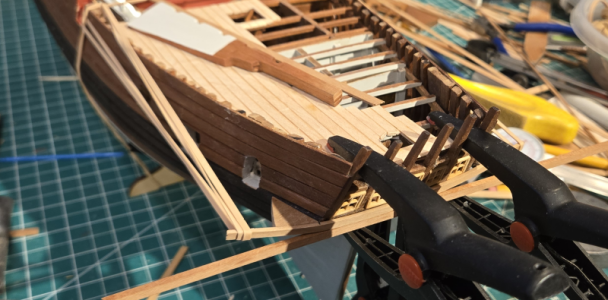
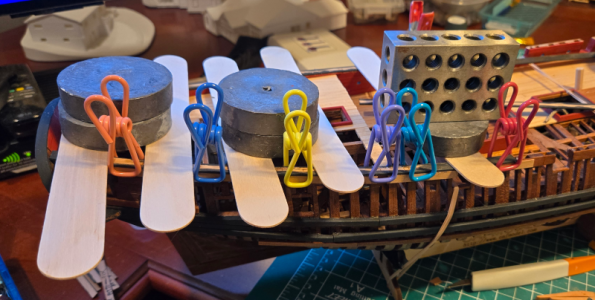
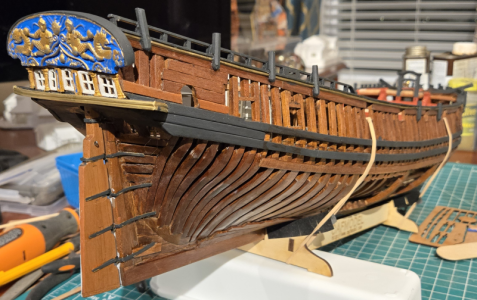
This ends up a pretty secure assembly, ready for adding other decoration:
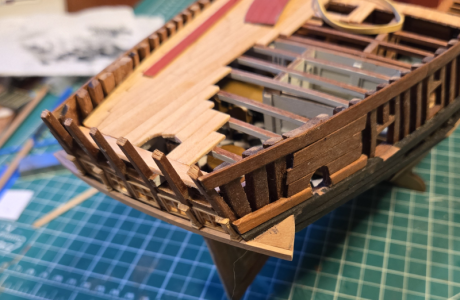
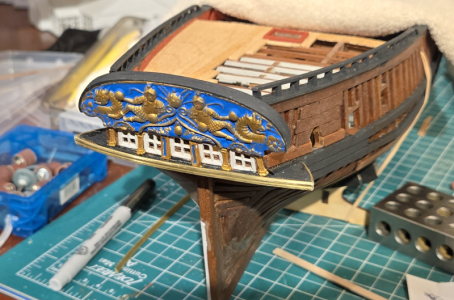
Speaking of other decoration, I haven't decided when to add this, but it's easier to paint off of the model:
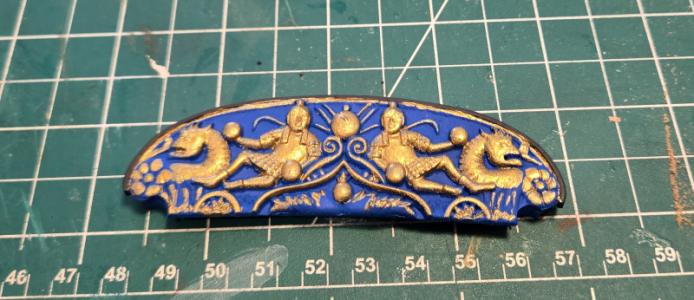
If you think it doesn't look very good (as I do as well), you're sitting too close to your computer screen.
To be continued.....
Even though I used Micro-Sol, I couldn't get the decals to meld into the planking. The half-doors to the cabin accommodation will be added on later and left open (but not hinged).
I've done the stern decoration at the wales line differently than the instructions show. The instructions show:
My problems were 1) I have been unable to produce the complex sections using the razor scrapers supplied, and 2) I felt unable to bend the 3x4 strip in 2 dimensions and glue it in place.
I bought some 1mm x 2mm double half round brass strip that I will use for the fancy section. I then cut a 2x5mm strip to use to replace the 3x4, and tapered it all sides to fit better. The little almost-triangular platforms that go on either side would be glued to this strip to assist in locating, gluing and securing the assembly.
Since the brass strip would be added later, the triangles needed to be larger. Here one's glued to the modified 2x5 strip:
I ended up remaking these triangles to be smaller later, but the procedure is the same.
With a triangle at each end, rubber bands can pull the strip and triangles into place for gluing.
The other clamps are to hold everything vertically.
This ends up a pretty secure assembly, ready for adding other decoration:
Speaking of other decoration, I haven't decided when to add this, but it's easier to paint off of the model:
If you think it doesn't look very good (as I do as well), you're sitting too close to your computer screen.
To be continued.....


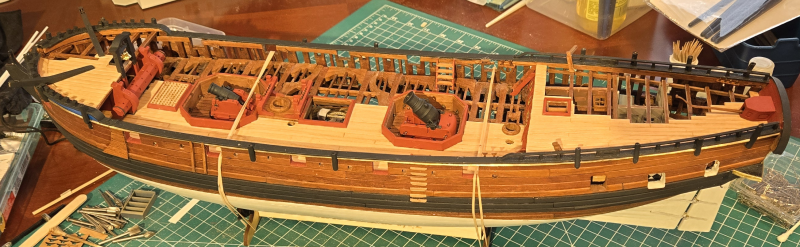
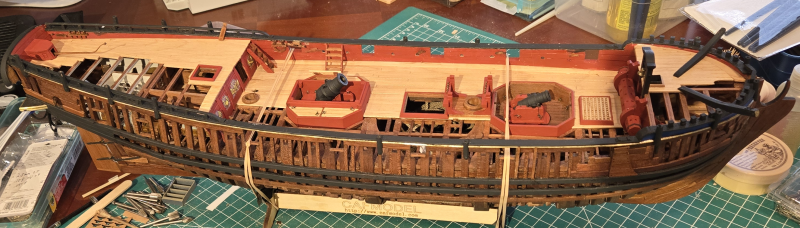
 , what have I done wrong now? I knew from doing the foredeck planking that it was a bit long, compared to the plans, but it was all based on the windlass support, so still should have been okay for the belfry.